
How to Send Large Files for Free, Step by Step
Prepare your files, create an encrypted link and help the recipient download: check total size, browser support and expiry.
Updated on
Published by HexaTransfer, a service operated by Gaprod — Groupe Dwenola SAS. These guides discuss our own service alongside other products. About the publisher
To share files that are too large for an email attachment, create a download link and send that link to your recipient. HexaTransfer accepts 50 GiB in total per transfer, with up to 1,000 files. Choose 1–30 days, with 14 days by default, from transfer creation. No account or email address is requested in the tool. First check that your recipient can download the files on their device.
1. Prepare the delivery
Gather the final versions and check their combined size. If you need to preserve a folder structure, create a ZIP archive before adding it. An archive keeps a folder together, but may barely shrink an already compressed video or photo collection. Keep your originals.
The tool blocks some executable file extensions. If it rejects a file, read the message and choose an appropriate document format without trying to bypass that check.
2. Check the receiving browser
A file above 512 MiB cannot be downloaded in a browser without direct-to-disk saving through File System Access. The same check applies to downloading all files together when the estimated ZIP size exceeds 512 MiB, including archive headers. Smaller files can instead be downloaded individually.
Before a large delivery, try a non-sensitive file on the receiving device. The upload allowance does not guarantee support on every phone or browser. The 10 GB transfer guide covers size and disk-space checks in more detail.
3. Upload and wait for the final link
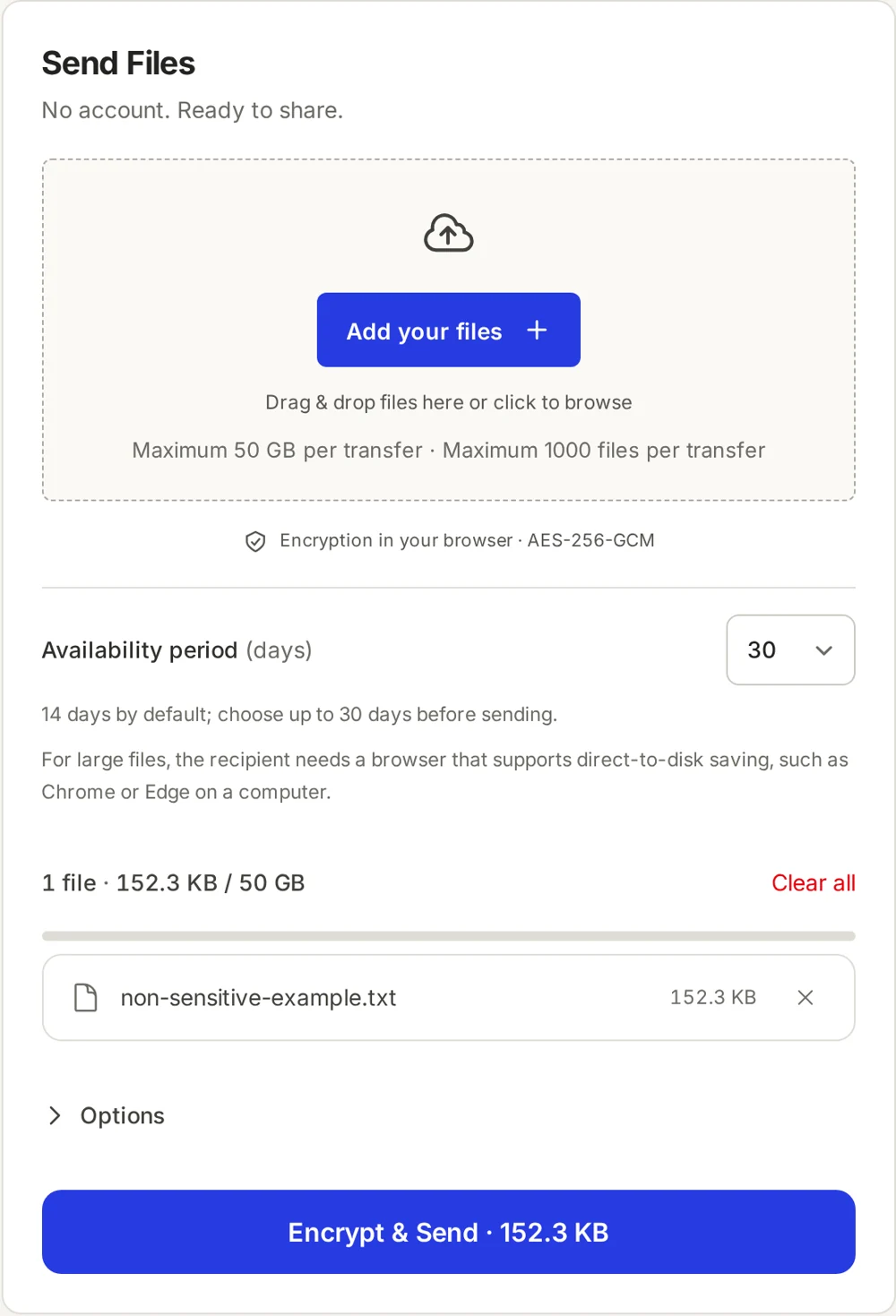
- Open the tool and select or drag in your files.
- Review the list and total size. Choose the availability period in whole days using the selector. Open the options if you need a message, a password or a download limit.
- Start the transfer and keep the tab open until the success screen appears. Keep the device awake.
- Copy the whole link, including everything after
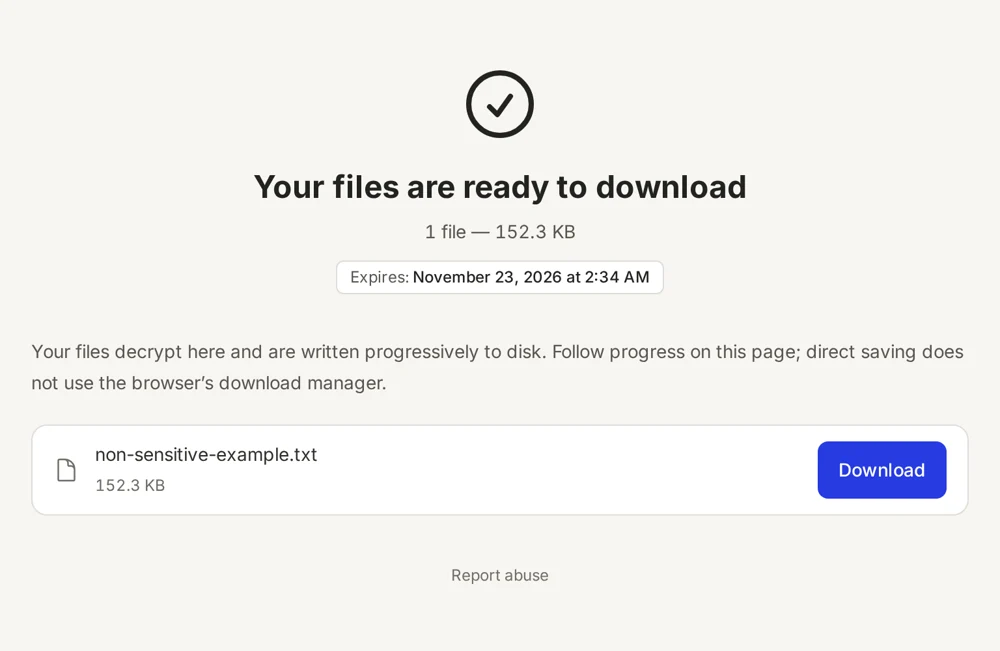
#, and note the displayed expiry date.
The browser encrypts files and their metadata with AES-256-GCM before uploading. The key stays in the link fragment; HexaTransfer does not receive it. Anyone holding the full link can access the files, subject to any password you set, so share it only with the intended recipients.
4. Help the recipient finish
Share the link through your usual messaging channel. Send any password separately. The recipient opens the complete link, enters the password if prompted, then downloads one file or the whole set. Ask them to wait for saving to finish and open the downloaded files to check the delivery.
If the link is incomplete, copy it again from your saved version. If the upload tab closed before completion, start a new upload: there is no resume after closing the tab. Once a link expires, upload the originals again. A download limit can also make the transfer unavailable earlier.
For a focused walkthrough of the account-free flow, see sending without registration.
What our local verification establishes
On 24 October 2026, our test path uploaded, decrypted and saved a 50 GiB file, or 53,687,091,200 bytes, followed by a ZIP64 archive containing a file larger than 4 GiB. Received plaintext files were checked against their originals using SHA-256. The verified digest of the 50 GiB fixture was:
a9d12065c4ac98ecec27ef68e4551fa88dc978611bc907b0d5733190dfde8065
These were non-sensitive demonstration files processed by the browser and Laravel API in an isolated local environment. Encrypted test storage was local, and a real OPFS file handle replaced the save-picker dialog. This does not certify OVH production storage, the operating system’s permission dialog or every browser. It is not an Internet speed benchmark or an independent security audit.
Sources and review
HexaTransfer behaviour checked on 2026-10-24. Browser documentation consulted on that date: MDN, showSaveFilePicker availability and MDN, URI fragments.
Send large files securely with end-to-end encryption
Send up to 50 GiB free with end-to-end encryption, no account or email. Choose 1–30 days; 14 days by default.
Send a file